Stark brings accessibility to Claude – now available in Anthropic’s connector directory
Stark is now available as a connector in the Claude directory, bringing accessibility directly into the workflow of AI-forward companies. Connect once and Claude can leverage Stark to scan and report on all of the assets across your organization’s digital footprint; pull accessibility issues directly into your Claude session; and ultimately accelerate remediation and your time to compliance.

Team Stark
Aug 13, 2026
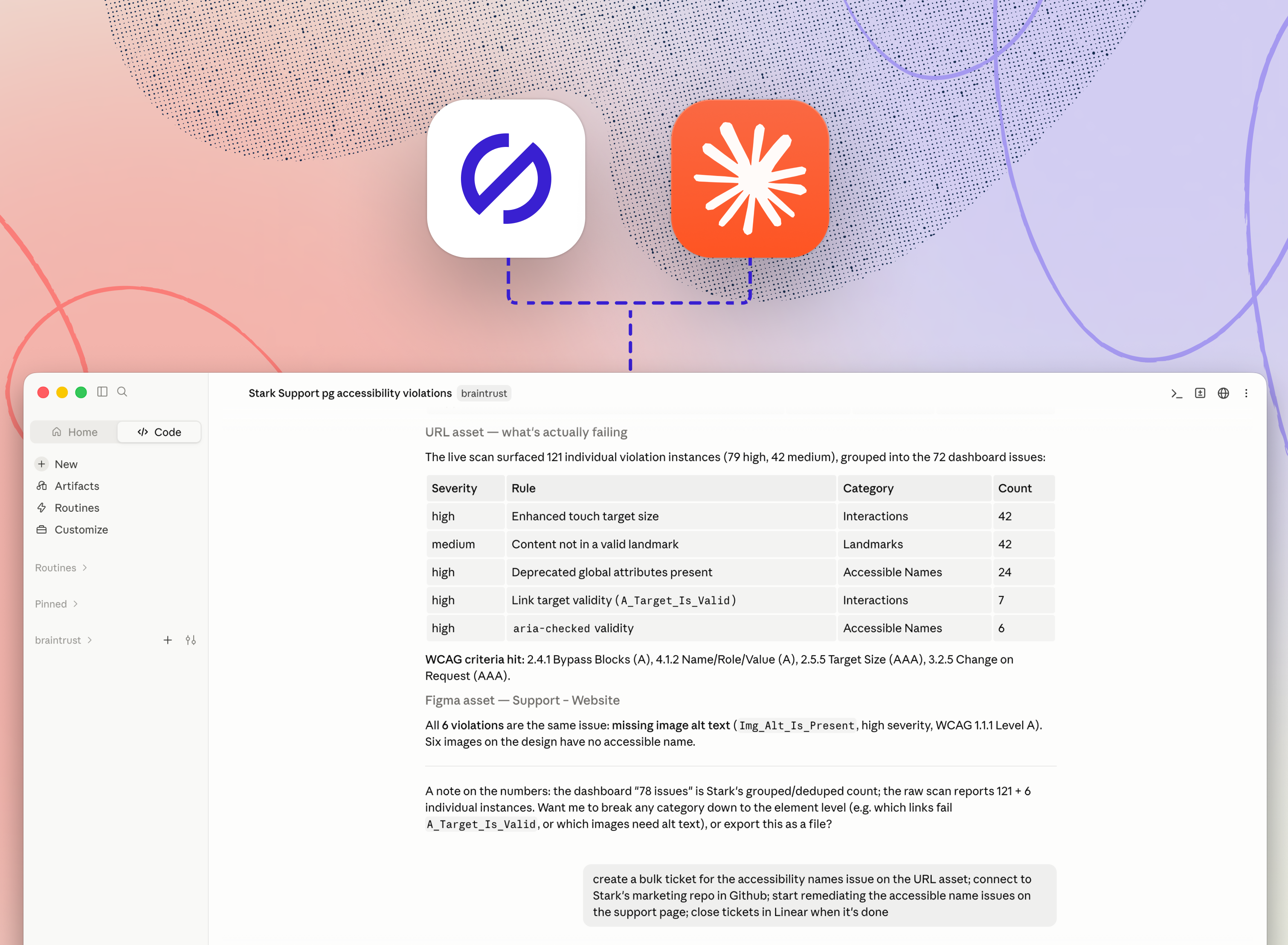
From the beginning, we at Stark have always committed ourselves to showing up where work is actually happening. That is underpinned by a fundamental belief that accessibility needs to be a core part of how work is done, and not a separate process. That’s why we’re excited to announce that Stark is now available as a connector in Claude, allowing you to embed Stark’s accessibility capabilities directly in your AI workflow.
A growing share of software is now built inside generative AI tools like Claude but they lack the clear, auditable logic that is so important in compliance. Stark closes that gap, and does it across every discipline accessibility touches — design, frontend, backend, mobile, and the program work that governs them — by combining the Stark rule-engine you know and trust, with Claude’s generative capabilities which help you get more work done faster.
What the connector does inside Claude
With the connector active, Stark's data and actions are available to Claude directly in the conversation. You can ask it to:
-
Scan across your digital footprint. Create an asset from a Figma file; one or more live URLs; application source code; an iOS or Android build; or a Storybook library; and run it through Stark.
-
Pull, assess, and remediate the violations on an asset. Get every accessibility issue found, with the context needed to understand and remediate each one.
-
Check the compliance status. Summarize the accessibility posture of a project, a team, or the full Compliance Center, including the controls assigned to you.
-
Start from scratch. Haven’t set up your project in Stark yet? No problem. When Claude calls, Stark creates one on the fly, so a scan can begin from a single URL or file with no manual setup.
Where this goes
Across the product development cycle, AI has broadened the aperture for all roles: Designers who build, developers who design, and so on. With product development breaking out of the rigid structures that have shaped it over the past few decades, accessibility needs to follow. When the process gets subverted, tools need to carry the accessibility context directly into the workflow.
The connector runs in both directions: giving the builder a real-time evaluation of the state of accessibility of their work, and it gives accessibility considerations a seat at the table when those critical initial decisions are made, rather than wait until after they've hardened into debt.
We’re proud that Stark is the first dedicated accessibility connector inside Claude, and it won't be the last thing we do there. Lots more to come…
💬 Stark is now available in Claude's connector directory. Add it now →
If you'd like to understand the different workflows you can set up with Stark in Claude, book a call or kick off a free two-week trial (no credit card required!) straight away.
Feel free to share your thoughts and feedback at support@getstark.co, or join the conversations in our Stark Slack Community, on LinkedIn, and on Twitter.