New, Stale, Duplicate and Ignored Issues: Clearer issue counts for detection and remediation
After a revamp of our entire data pipeline and asset interface design, part 1 of that work now has Stark distinguishing new, stale, duplicate, and intentionally ignored accessibility issues. Counts reflect distinct problems, reports exclude reviewed ignores, and teams get a clearer picture of what changed and what needs attention.

Team Stark
Nov 5, 2026
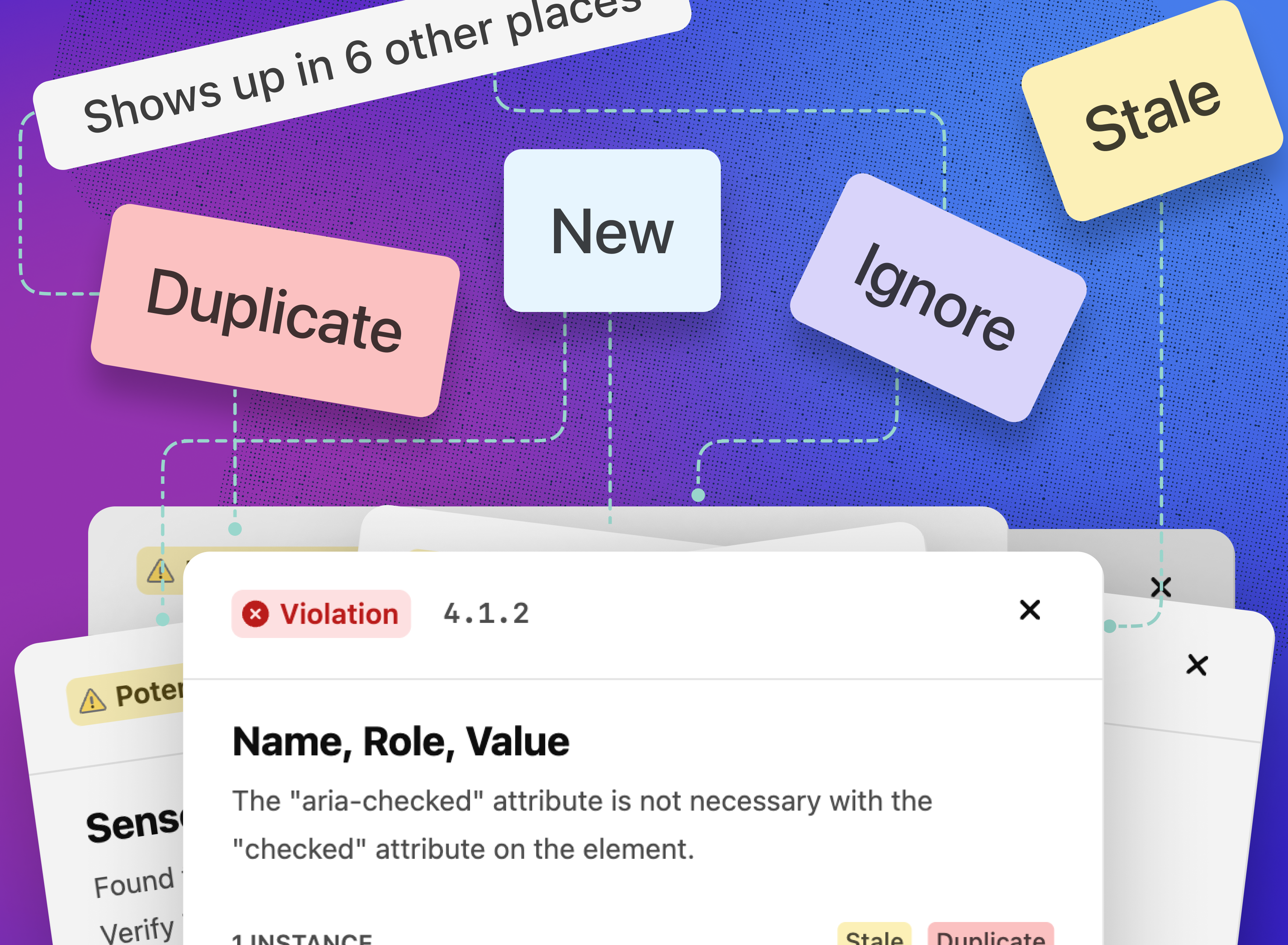
After a revamp of our entire data pipeline and asset interface design, part 1 of that work is now live with: Asset views in Stark now distinguish what’s new, what’s gone stale, what’s repeated across pages, and what your team has intentionally ignored. That means developers and QA can see what a release introduces, accessibility leads can surface work that’s lingering, and reports better reflect the distinct problems your team actually needs to address.
New and stale issues are flagged on every asset
A long list of violations hides the two questions teams ask most often after a scan: what did this release introduce, and what have we been ignoring without meaning to? New issues are now marked on the main asset view and in the instance aside, and issues older than your stale threshold are marked on the asset view and in the detail aside. Both counts sit at the top of the asset view, both can be used as filters, and every issue carries a “First Discovered” date in its Details section.
For example, a QA lead checking a release on Wednesday can filter an asset to New and see the handful of issues that release introduced, while the accessibility lead filters the same asset to Stale and sends the issues that have sat for over a month back to their owners.
-
New issue badges and count → what changed since the last scan, without comparing reports by hand
-
Stale issue badges and count → what’s been sitting longer than your team’s stale threshold
-
New and Stale filters → narrow a long list to the work that needs attention now
-
First Discovered date → how long an issue has been open, on the issue itself
-
Stale threshold in Governance → set the number of days that counts as stale for your organization
Stale defaults to 21 days (with 30 as the max) and can be changed in Governance.
Duplicate issues are counted once
When one component carries an issue, every page that uses it reports the same issue again, which inflates counts and makes a single fix look like dozens. Stark now recognizes duplicates within an asset, marks them with a badge on the issue row, shows every page the issue appears on, and counts the issue once in the asset’s violation total.
For example, a site header whose navigation menu is missing an accessible name appears on all 40 pages of a marketing site. That’s now one issue with a duplicate badge and a list of the 40 pages, so the team fixes it once in the header component and the asset reports one distinct issue instead of 40 separate violations.
-
Duplicate badge → spot repeated issues at a glance on the issue row
-
Duplicate count → see how much of an asset’s total comes from repetition
-
Pages list → every page the issue appears on, from the issue itself
-
Deduplicated violation count → an asset total that reflects distinct problems
Duplicates are detected within an asset today; detecting them across a project, and deduplicating project and dashboard counts, is coming sooner than you think.
Ignored instances stay out of your reports
Teams that review an issue and decide it can’t be resolved by them directly, such as a known issue with a third-party widget which has already been escalated, need that decision to stick. You can now ignore a single instance of an issue at the asset level without ignoring the rule everywhere, and ignored instances stay out of exported PDF, HTML and CSV reports.
For example, an accessibility lead reviews a flagged issue on a pricing page, confirms it’s part of a third-party widget and ignores that one instance. The same rule keeps checking every other image, and the PDF report sent to procurement no longer lists the instance the team already reviewed and intentionally excluded.
-
Instance-level ignores → rule out one occurrence without switching off the rule
-
Ignores honored in exports → PDF, HTML and CSV reports match what the team sees in Stark
Ignoring by rule, ignoring at the project and team level, and managing ignored issues are next.
As accessibility programs grow, the questions shift from how many issues exist to which ones need attention, who owns them, and what’s been decided on purpose. New, stale, duplicate and ignored issues answer those questions on every asset, and the next phase brings the same clarity to projects and your organization as a whole.
To check these out: open one of your Stark projects and view a report of any asset.
💬 How do you handle duplicate, stale, or ignored accessibility issues across projects right now? Let us know how this simplifies your remediation workflow.
If you'd like to understand how it all works, book a call or kick off a free two-week trial (no credit card required!) straight away.
Feel free to share your thoughts and feedback at support@getstark.co, or join the conversations in our Stark Slack Community, on LinkedIn, and on Twitter.