Intelligent ticketing in Stark now streamlines issue triage and resolution
We shipped four updates for our ticketing integrations which changes how an accessibility ticket is triaged by default: rich context for agents, severity maps, labels apply automatically where they exist in the destination project, and bulk creation produces individually scoped tickets — structured for Jira/Linear sub-tickets or linked GitHub issues depending on your system. Better tickets mean faster remediation—for teams today and agents tomorrow.

Team Stark
Jul 2, 2026
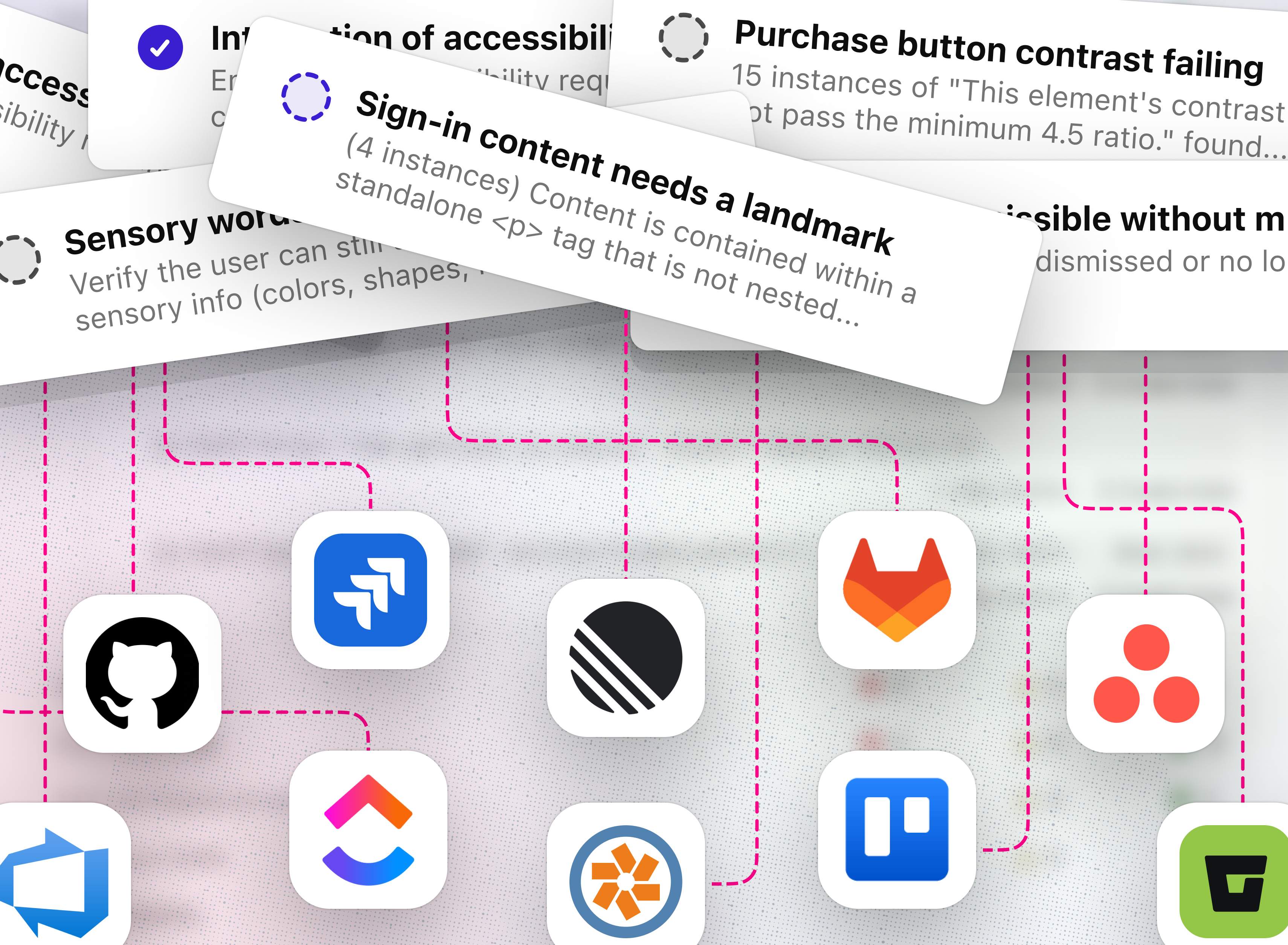
Ticket quality is process quality.
Accessibility issues don’t usually stall because teams can’t find them. They stall because the path from “found” to “fixed” still depends on too much manual workflow cleanup: setting priority, adding labels, routing work to the right project, and breaking large findings into scoped tickets.
Stark’s latest ticketing updates make that workflow automatic. Accessibility issues from Stark now arrive triaged, in every ticketing integration we support, with the structure teams need to assign and remediate like any other product bug.
Teams that use AI agents for remediation, as more are, are entirely dependent on the quality of context in the ticket. An agent with correct priority, accurate labels, and a well-scoped issue can make a meaningful first pass at a fix. An agent working with an incomplete or misrouted ticket produces output that requires more correction than if it hadn't touched the issue at all.
This was true before agents. Teams triage based on ticket quality, too. The difference is that agentic workflows surface the cost of bad defaults immediately, at scale, in ways that manual triage could absorb through human judgment.
This week we shipped four updates to Stark's ticketing integration. Together, they change what an accessibility ticket looks like by default, and why that matters increasingly as teams use agents to work their remediation queues.
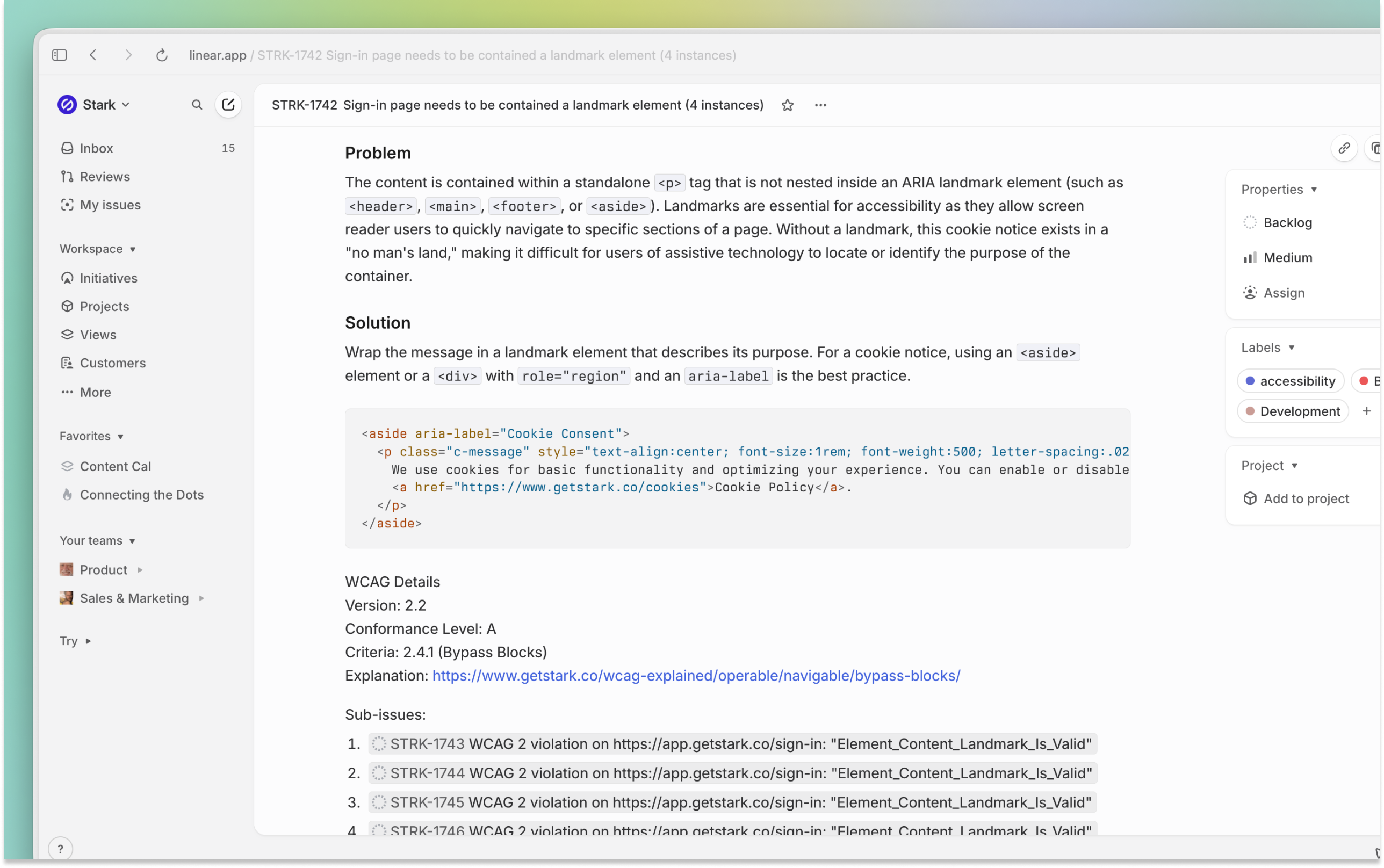
Issue severity flows through to priority
Engineering triage works on ticket priority. Accessibility tickets that arrive without it get evaluated from scratch, which adds friction and tends to produce deprioritization by default — not because the team disagrees with the findings, but because the ticket lacks the signal they use to rank work.
When Stark flags an issue as Critical, the ticket it creates is Priority 1. High → P2. Medium → P3. The mapping applies automatically at creation time.
For teams running AI agents on their remediation backlog, this matters even more. Agents use ticket priority as a primary routing signal. A P1 ticket means act now; a P3 means queue it. When a Critical WCAG violation arrives as an unranked ticket, an agent can't weigh it correctly. Stark has already made the severity assessment.
Labels that connect to how your team already works
When Stark creates a ticket, it attempts to apply labels from a configurable list that often exist in team spaces (e.g. design, development, accessibility, stark, enhancement, ux, ui, dev, code).
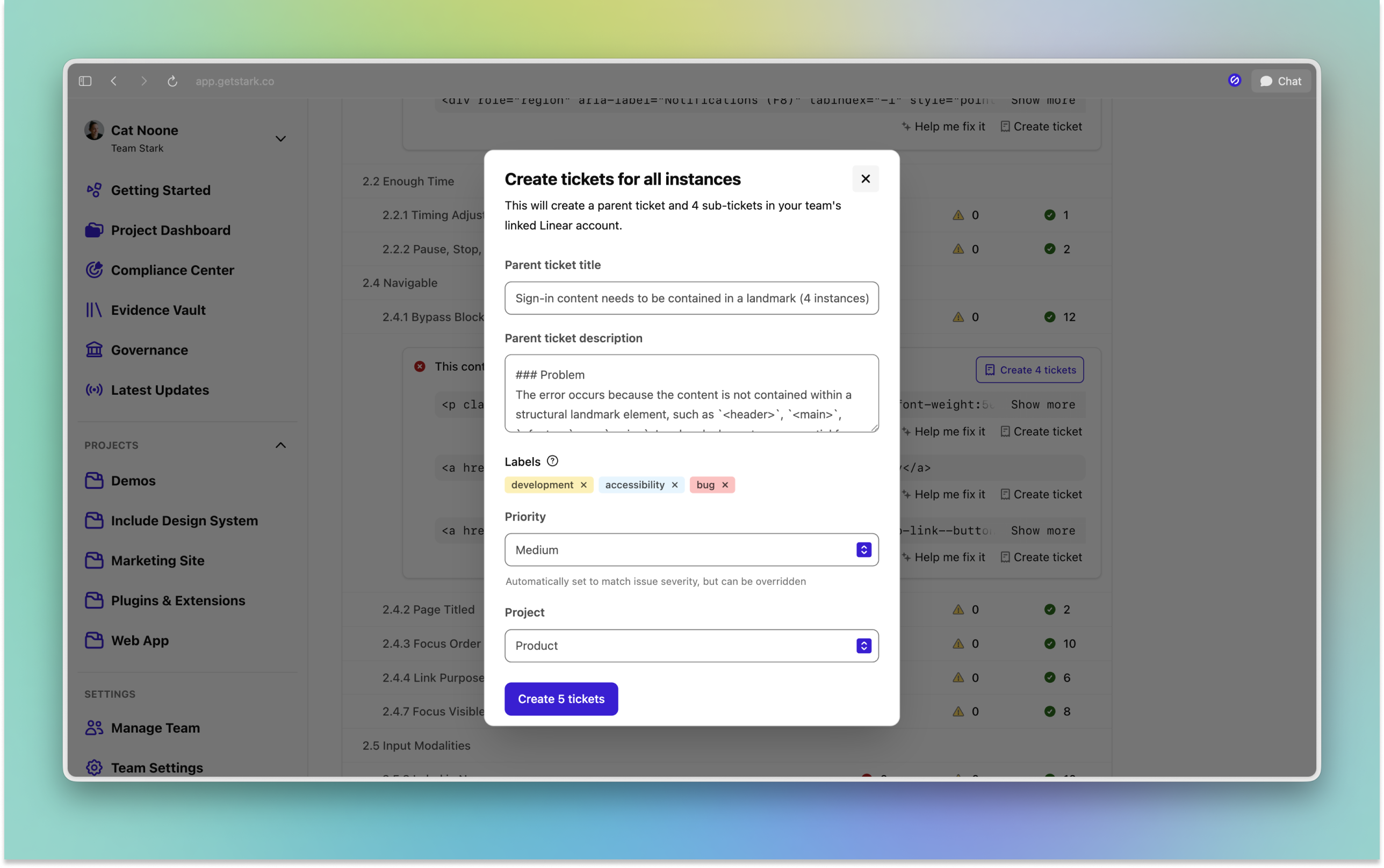
In practice, Stark surfaces this directly in the UI. The label configuration shows you which labels are present in which projects, so you can see exactly what will (or won't if you remove it) be applied when a ticket routes to a given destination. A project that has accessibility and dev set up will receive those tags. One that doesn't, won't.
The labels themselves aren't arbitrary. Stark is a source attribution marker as it lets you filter the tickets your scanning infrastructure with Stark created, measure remediation velocity by source, and point agents at the right queue. accessibility labels place Stark tickets in the same category as accessibility issues from any other source, making the full backlog queryable and reportable from one place.
bug deserves special attention. Accessibility violations are bugs given behavior that doesn't meet specification and causes real harm to users. When they carry a bug label, they flow through the same triage and sprint processes your team already runs for bugs. That's the infrastructure that turns findings into remediation. Keeping accessibility tickets in a separate, deprioritized category is one of the structural patterns that causes programs to generate reports rather than fixes.
Stark, accessibility, design, dev, and bug as labels. Do that once and it pays off on every ticket created from that point forward. Stark handles the rest.Issues route to the right team
When a ticket lands in the wrong place, it gets triaged past by a team who doesn’t recognize it as theirs, then eventually moved or deleted — silently. Project-level routing is configured once (when creating or editing a project) and enforced at every ticket creation event after that.
Now each Stark project now maps to a specific project in your ticketing system.
For teams running agents on their accessibility backlog, routing is load-bearing infrastructure. An agent watching the mobile team's accessibility queue needs issues to arrive there. A misrouted ticket is effectively invisible to the agent responsible for it.
Bulk creation that stays structured
You can now create tickets for all instances of an issue in a single action. The structure of what gets created depends on your ticketing system.
- In Jira and Linear, bulk creation produces one parent ticket with sub-tickets for each instance — keeping related issues grouped while maintaining individual scope.
- In GitHub Issues, each instance becomes a separate issue linked back to a parent, following the data model those systems use natively.
Either way, the result is a set of clear, individually scoped work items instead of one bundled "we found 40 problems" ticket. That distinction matters for anyone running agents on their remediation queue. Agents operate on well-scoped tasks. A sub-ticket or linked issue with a single WCAG violation, the affected component, correct priority, and the right labels gives an agent the context to make a meaningful first pass at a fix. A bundled ticket with vague scope requires human decomposition before an agent can start, and that decomposition work is exactly what bulk creation is determined to eliminate.
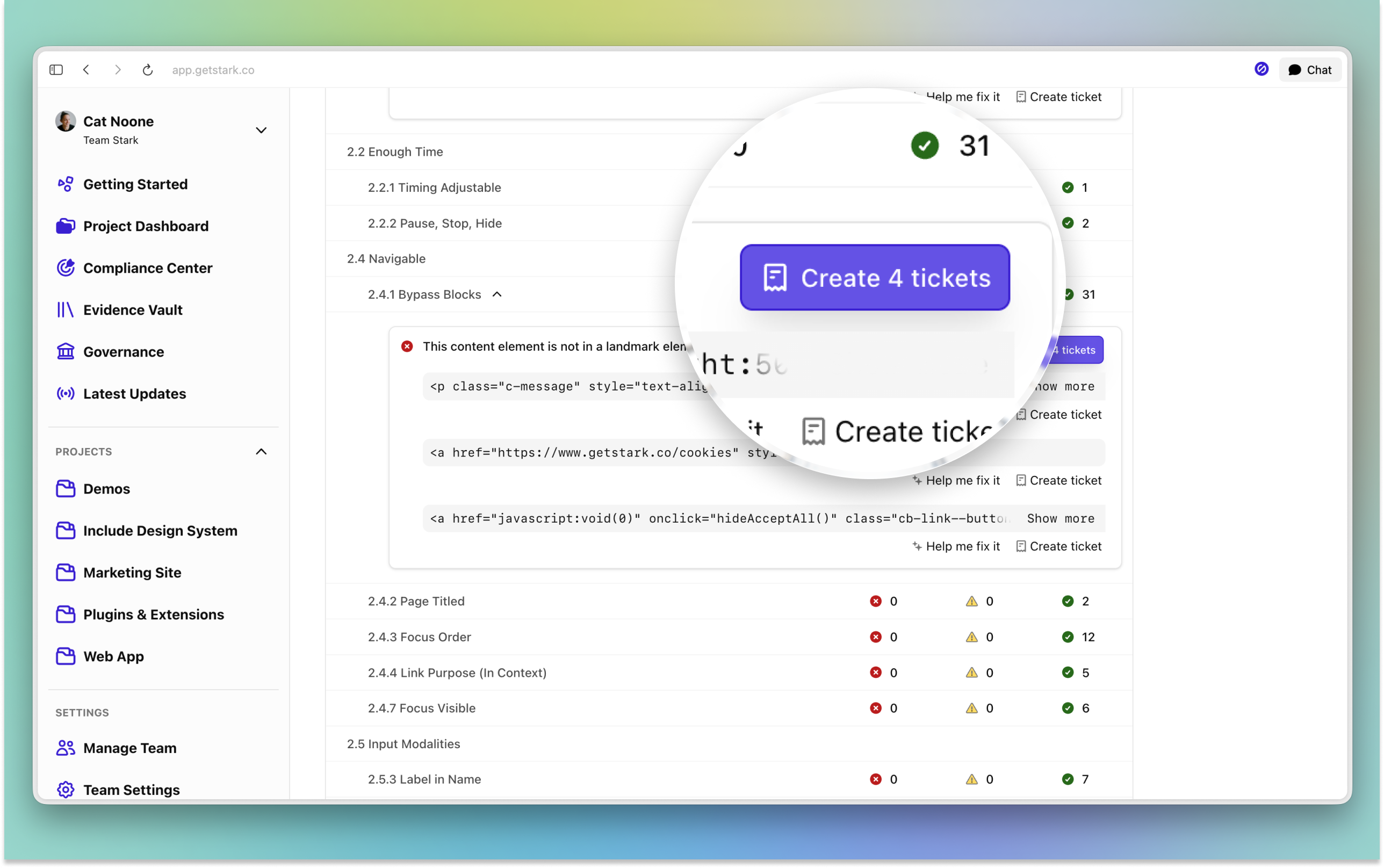
The practical effect: you can log everything from a large scan in one action, and every resulting work item is structured well enough to be immediately assignable — to designer, engineer, product manager, or agent.
Ticket quality is a reflection of a team's process quality
Stark's ticketing defaults now reflect where accessibility work is going. Severity of issue carries through to priority. Labels arrive automatically (including the ones that tell agents and humans alike what kind of work this is and who should touch it). Issues land in the right project. And scales to match your scan volume.
The same logic applies to the specialists in the loop. The best accessibility programs that scale effectively aren't orchestrated by a separate team generating reports that land in someone else's backlog. They're built with specialists embedded in the product team, the same way designers and engineers are. Now, with the additions to Stark, accessibility specialist who own a product area (e.g. “Accessibility for iOS @ Slack”), the same way a PM owns a product area, operates with the same context as the rest of the team. They're technical. They're in the sprint. They're riding alongside the agent or humans working the remediation queue.
That model depends on the ticket being correct right when it arrives, or the specialist is headed in the wrong direction with the wrong information.
Accessibility issues are bugs. Stark's intelligent ticketing now helps enforce that by default.
💬 Intelligent ticketing is available now for Grow and Scale plans. Don't have access? Kick off a free two-week trial (no credit card required!) straight away.
Feel free to share your thoughts and feedback at support@getstark.co, or join the conversations in our Stark Slack Community, on LinkedIn, and on Twitter.