Using Folders in Stark to organize your accessibility projects (and spark joy!)
Keep accessibility projects organized your way. With Stark’s new folder support, you can now group projects by product, client, compliance cycle, or status — making it simple to manage accessibility work at any scale.

Team Stark
Dec 02, 2025
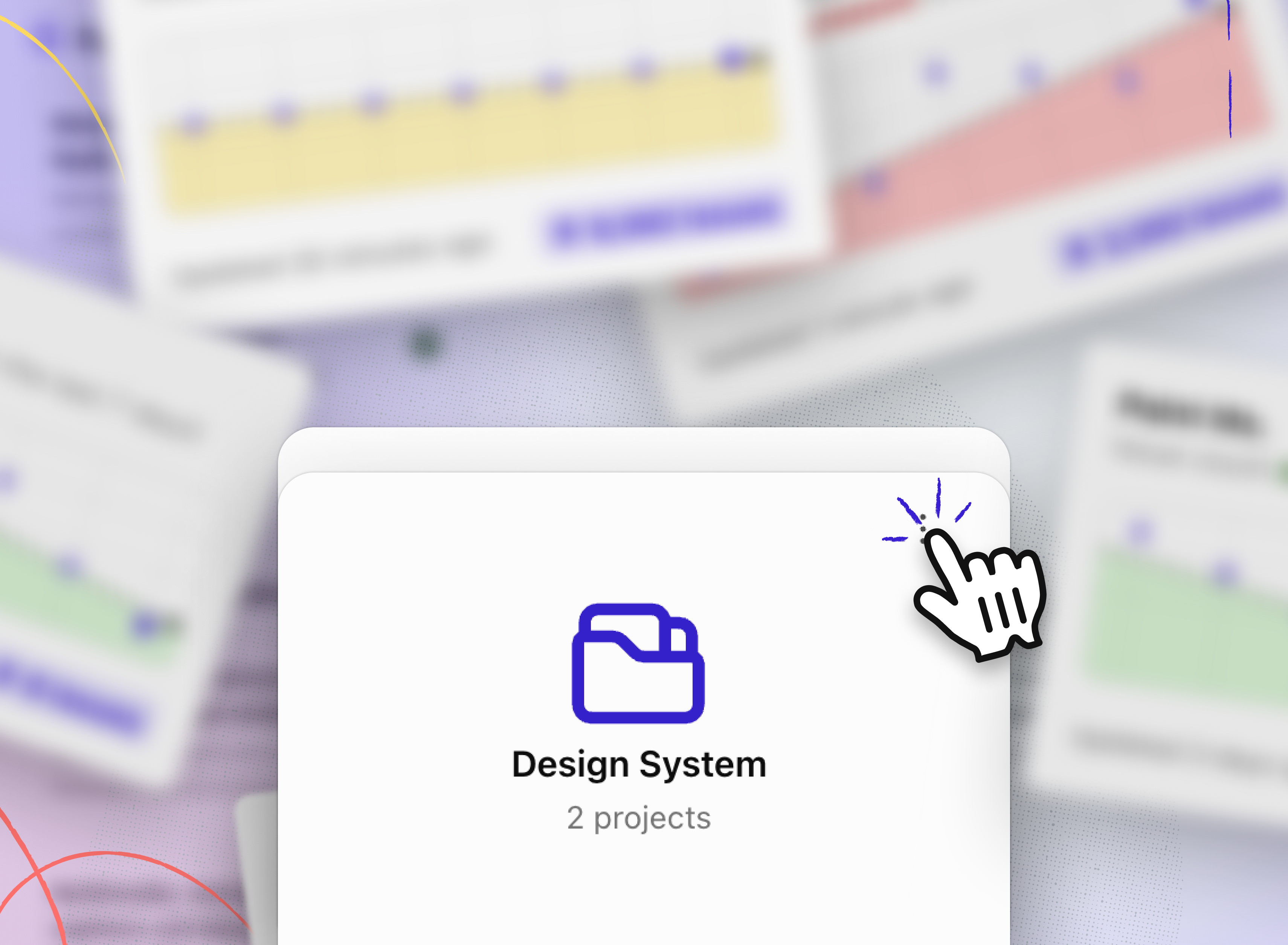
Keeping accessibility work organized has always been complicated. Stark streamlined that process with a Dashboard and projects within it. With Stark’s new folder support, you can now group projects together in whatever way makes sense for your team — making it easier than ever to stay on top of accessibility across product lines and companies.
Whether you’re managing dozens of in-flight audits, retrofitting legacy projects, or just keeping track of what’s ready to ship, folders give you the flexibility to create structure that works for you.
How it works
-
Create folders instantly → Add existing projects into a folder or start fresh with new ones.
-
Organize your way → Group projects in folders by product line, compliance cycle, client type, project status, or any other workflow that maps well to the way your team works.
-
Unlimited Flexibility → Add as many projects as you want into a folder — you’re in control.
Ways to configure your projects
Here are just a few ways teams are already putting folders to work:
-
By product line: A company could group projects for product lines like Web app, Marketing Site, Plugins & Extensions, etc.
-
By compliance cycle: A media company might create a folder just for projects that need to go into this cycle’s VPATs.
-
By client work: Agencies often tuck away all “Done” client projects in a single folder for easy reference.
-
By status: Teams split folders into what’s in-flight versus what’s being retrofitted for regulations (e.g. standalone projects eventually get funneled into a folder specifically for VPAT creation when those are VPAT ready).
No matter how you configure it, folders make it ridiculously simple to keep accessibility organized across your org.
💬 How do you organize and configure your projects? We’re excited to see how you and your teams put folders to use. Try it out today in your Stark dashboard and start building the structure that helps your team move faster.
Share your thoughts and feedback at support@getstark.co, or join the conversations in our Stark Slack Community, on LinkedIn, and on Twitter.