Stark's 2026 "new year, new [feature] cheer" kickoff
Highlights from the many new features and updates made to the Stark platform in 2025, as a way to kick off the 2026 announcements and roadmap ahead.
Team Stark
Jan 15, 2026
2025 was the year we shipped the most in Stark's history. Not only the most features, but the most meaningful ones. Between our dev team and the help of our not-so-secret agents (Shout out to Copilot + Claude) we moved at a pace that, honestly, even surprised us at one point.
We shipped 36 major updates to the platform — of which 16 were new features throughout the year. And across select repositories, we added 286,163 lines of code and removed 142,200 lines.
And we intend for 2026 to top that.
Building for how teams actually work
In 2025, we went all-in on a few major bets:
- True end-to-end monitoring. Not just design or code. All of it, in one unified platform, where your accessibility data isn't siloed across tools that don't talk to each other. From Figma files to native mobile apps to live URLs—we're helping you monitor and action on it all.
- Full-suite experience for Developers. Designers have had powerful accessibility tooling for years. This year, we made damn sure developers have the same level of sophistication. AI-powered code remediation, MCP integration, native mobile scanning—all built to meet devs where they actually work.
- AI where it actually makes sense. While everyone else was slapping "AI-powered" on everything, we were focused on where AI genuinely helps accessibility: understanding context, generating smart fixes, auto-generating compliance docs, and connecting the dots across your entire tool stack without the guesswork.
- Design systems as first-class. Your design system is the source of truth. We brought Stark deeper into that reality with contrast checking against gradients and images, smarter color suggestions, and tooling that respects how sophisticated teams actually build.
Some of our favorite releases from this year
We wanted to share some highlights, though honestly, not all of them are on here. We'll continue announcing more with their own standalone posts over the coming weeks and months (because yeah, we built so much we're still catching up on properly announcing everything).
Public Compliance Center → Build customer trust through transparency. Publish your accessibility posture like you do with privacy and security. Share framework conformance, evidence, statements, and VPATs with customers, partners, and vendors.
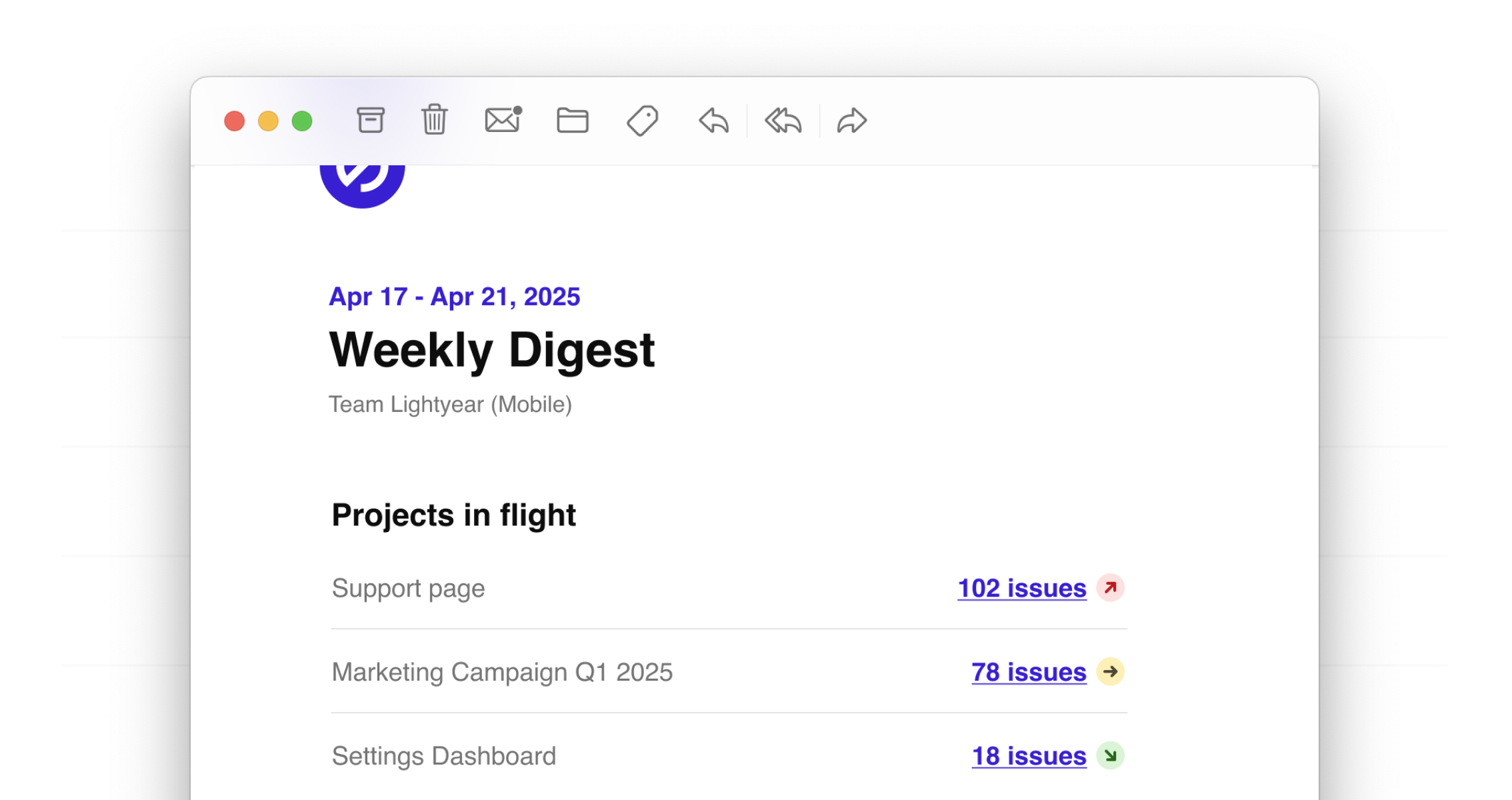
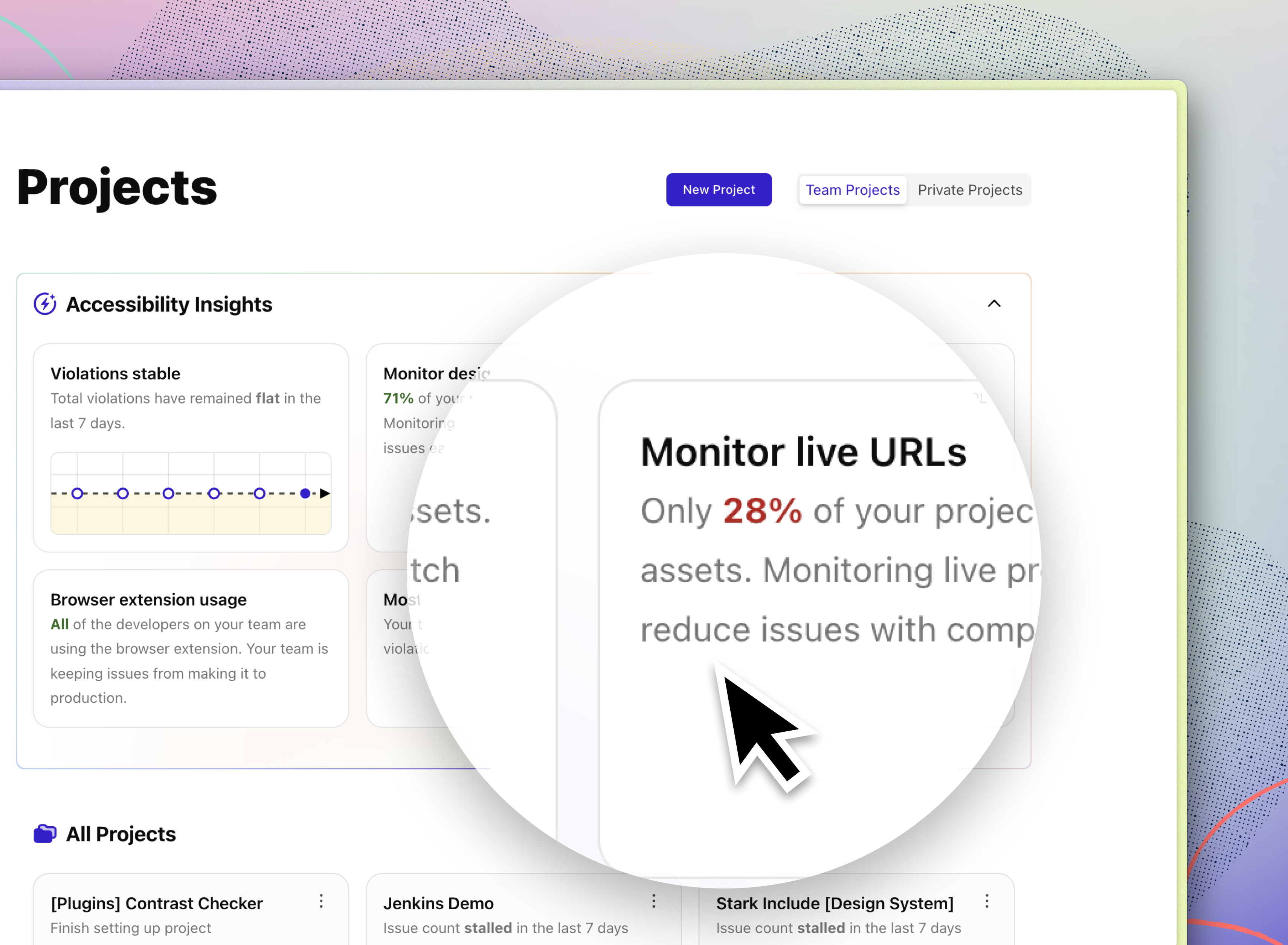
Project Dashboard v2 → Use trend monitoring, critical issue identification, and graphs to get a high level understanding on whether projects are improving, regressing, or stalling.
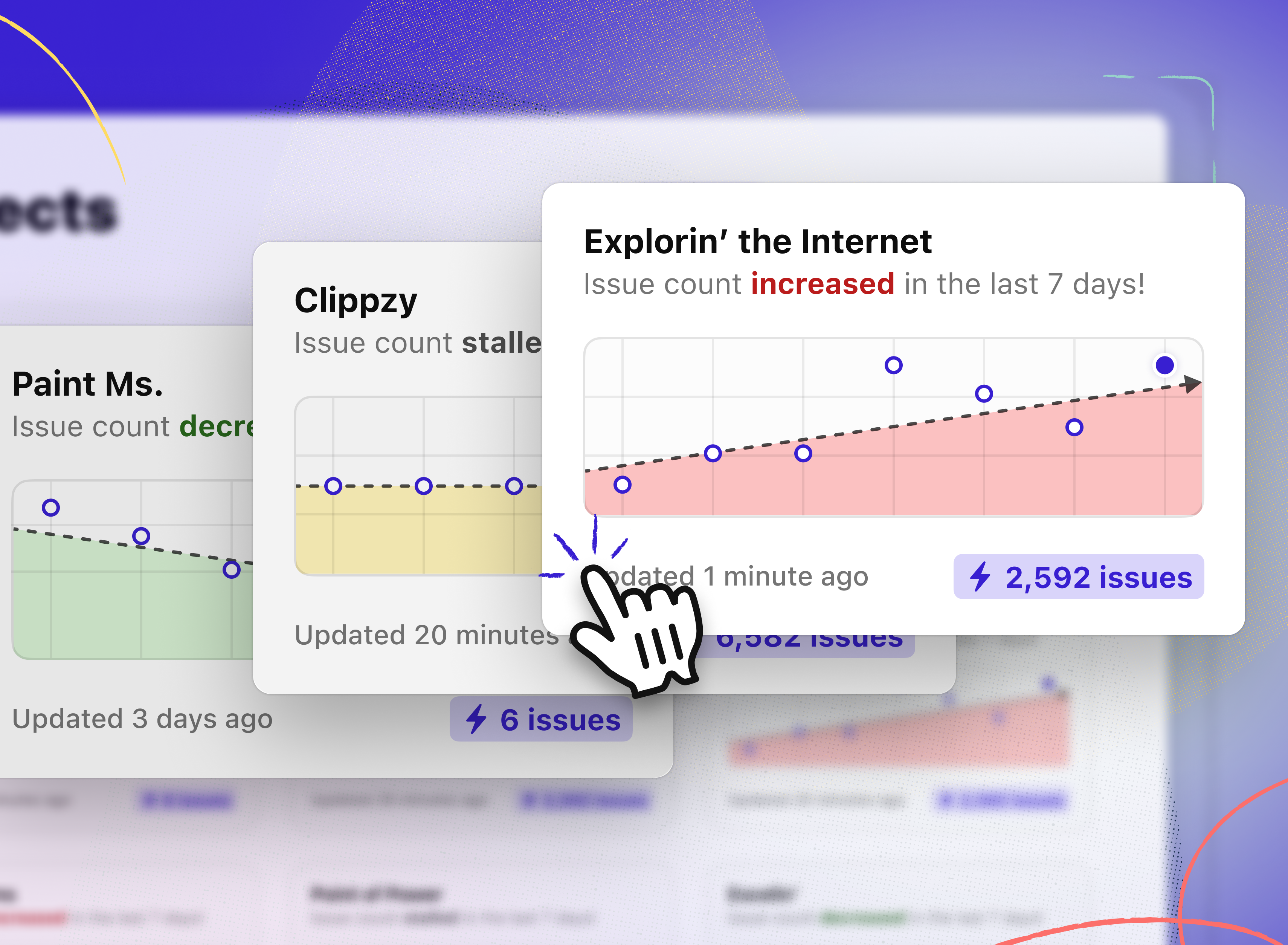
Email Digests → Weekly project updates and monthly compliance summaries delivered wherever you are—not just when you remember to check dashboards.
Accessibility Insights → Your 10,000-ft view powered by thousands of events. Optimize for speed and accuracy by understanding your projects' most common issue types, phase of discovery, time-to-completion trends, and more.
EAA Framework in Compliance Center → Every EN 301 549 requirement broken into actionable controls with ownership assignment, evidence collection, and public publishing.

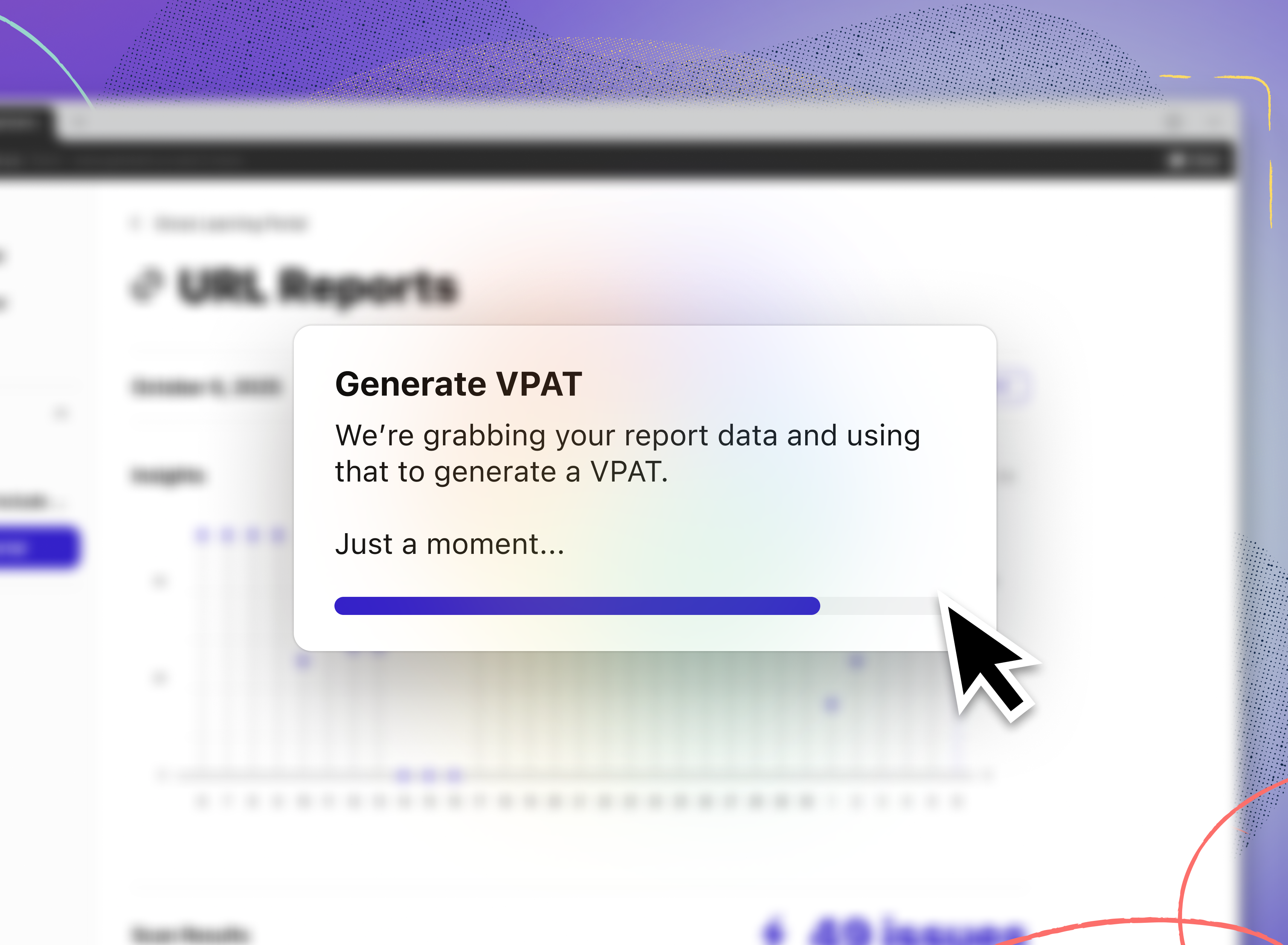
Auto-Generated VPATs → Eliminate weeks to months of manual work. Generate industry-standard VPAT reports instantly from your accessibility work. Update them as your product evolves.
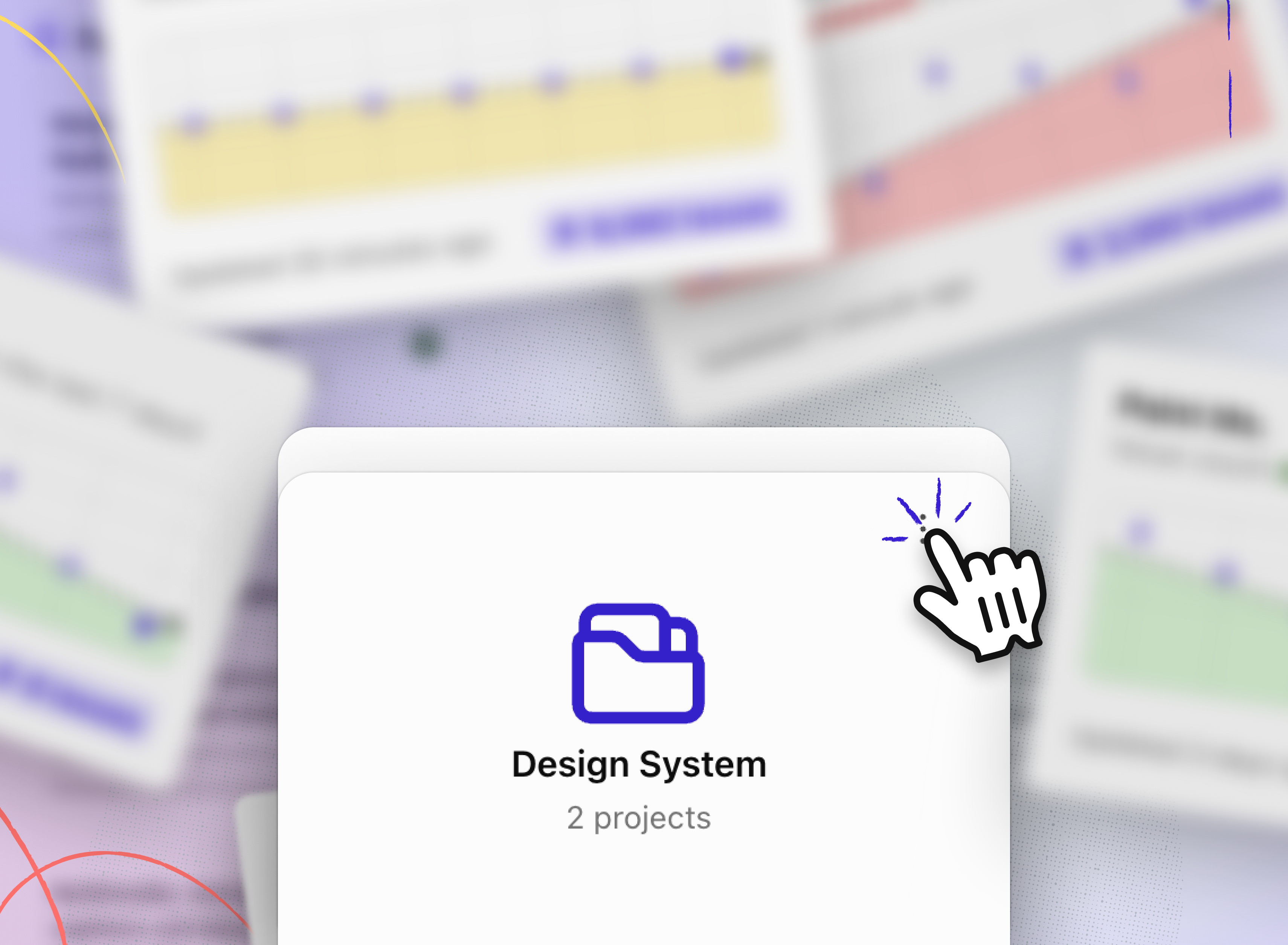
Folders → Organize projects by product, client, compliance cycle, status, or however your team actually works. Unlimited flexibility.
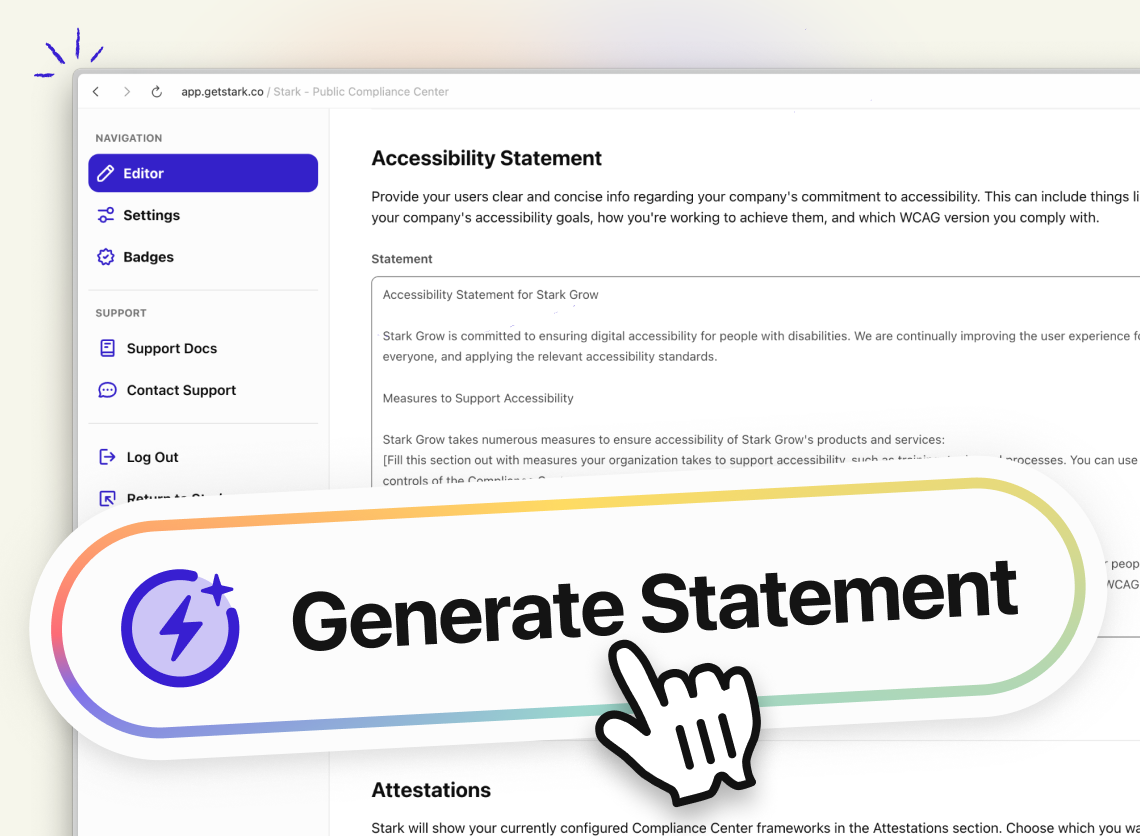
Auto-Generated Accessibility Statements → Create branded, standards-aligned statements in seconds. Built right into your Compliance Center to assist in demonstrating your commitment to accessibility.
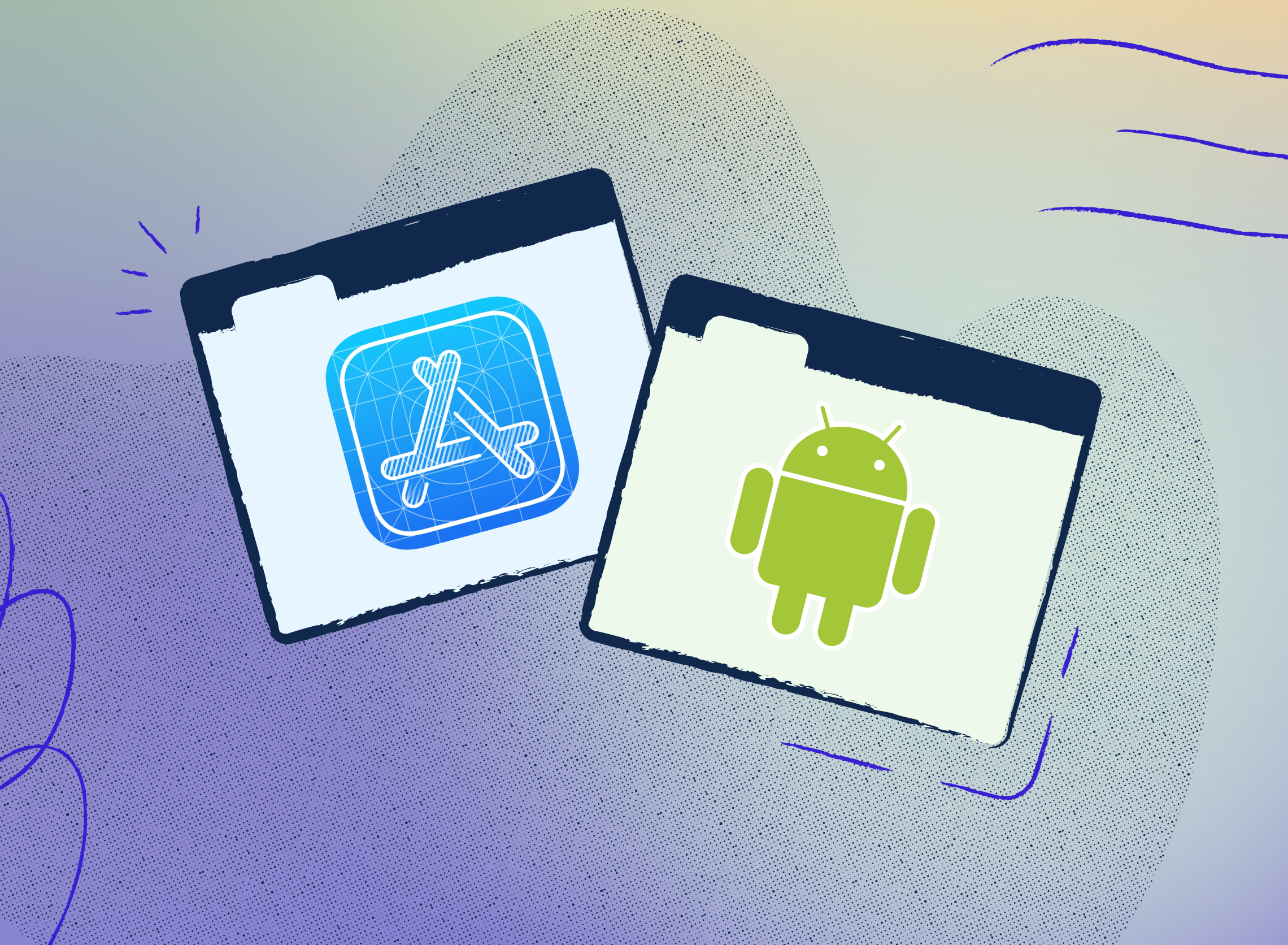
Native Mobile Code Integrations → Continuously monitor, test, and remediate accessibility across mobile apps in iOS or Android. Run instrumentation or lint tests, and bring all results into one centralized view in Stark.
"Help me fix it" with AI Code Remediation → AI-powered snippets that help non-devs remediate with confidence and build understanding – not just faster fixes.
Elevated Contrast Checking → Contrast support for gradients, images, and everything modern interfaces actually use.
Our resolution for this year
Here's the honest truth: we shipped a ton, but our product announcements haven't kept up with our shipping velocity. Our dev team is an absolute machine, and our content team is playing catch-up with everything from feature announcements and guides, to product work. Since we don’t [fully] automate the marketing, design, or educational content to the bots (who is doing this well?) we do it old school. That takes some time.
So our resolution for 2026? Do a better job of ensuring sure you actually get informed about and are educated on everything we're building. Every major feature deserves its moment—not just a line item in a round-up.
What's on deck for 2026?
We've got a packed roadmap already, but we want to hear from you. What do you need to make accessibility part of your individual or collaborative end-to-end stack? What's still frustrating? Where are we close, but not quite there yet?
Hit us up—whether it's here in the comments, on Slack, or directly to our team. Let's make 2026 the year continuous accessibility becomes the default, not the exception.
Here's to shipping well and like hell in 2026. 🚀
Share your thoughts and feedback at support@getstark.co, or join the conversations in our Stark Slack Community, on LinkedIn, and on Twitter.