Intelligent and Automated Annotations in Stark: Platform-aware specs for faster handoff
Stark's annotation workflow now adapts to the platform you're designing for — surfacing the right semantics for iOS, Android, or web, then automating as much of the spec as it can detect from the design itself. Cross-platform annotation intelligence accelerates the handoff spec while supporting context-switch between platform models.

Team Stark
Sep 24, 2026
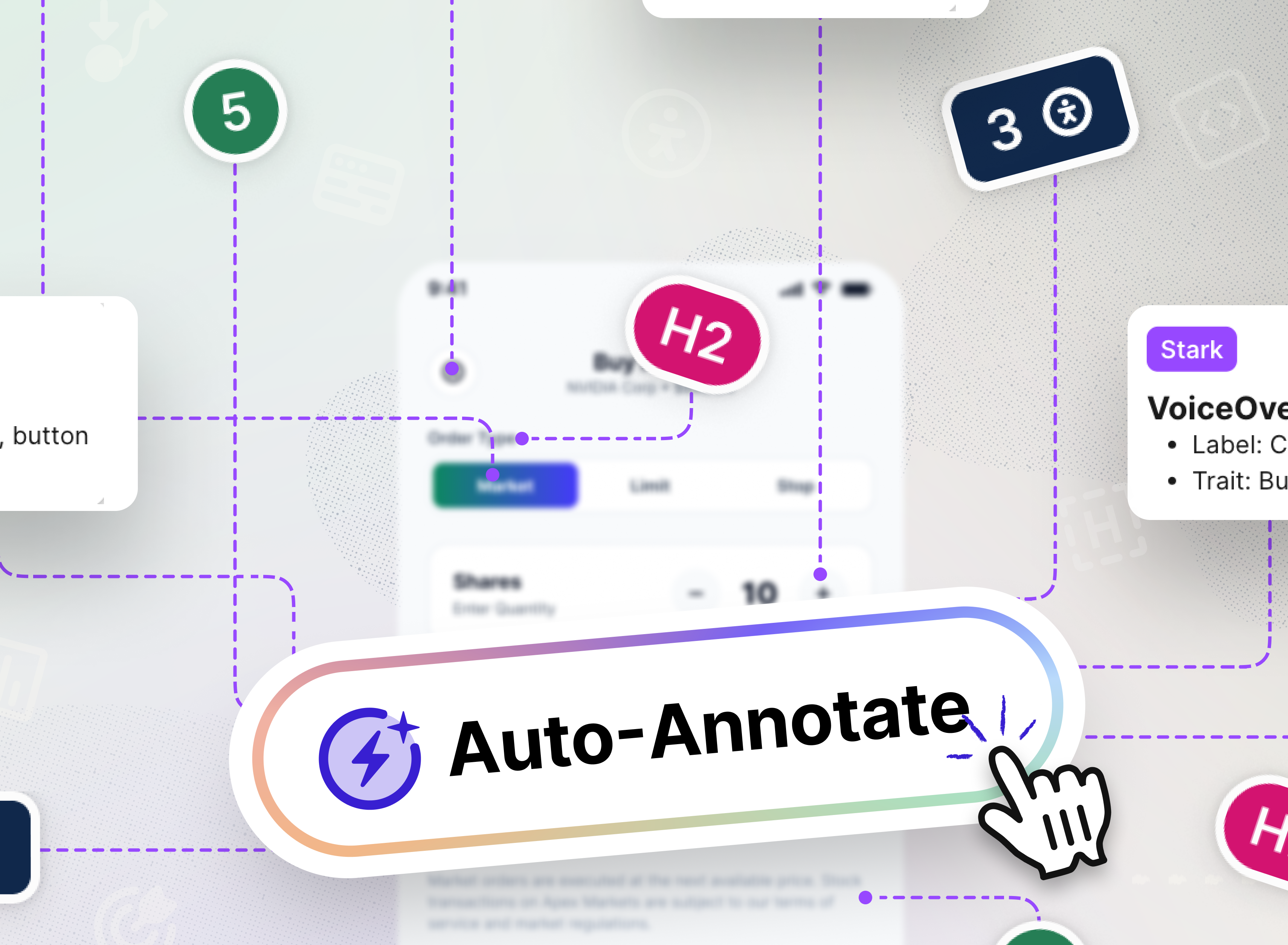
Every accessibility annotation is a decision about what a screen reader needs to know: what this element is, what it does, what state it's in, and what happens when you activate it.
Designers have always made those decisions manually. That works for one screen. It breaks down across product surfaces, platforms, and design systems.
The stakes are even higher at the design system level. When a component, pattern, or template gets annotated incorrectly (or not at all) that gap doesn't stay contained to one screen – instead it propagates to every team consuming the system, every product built on top of it, and in turn every platform it ships to. That's a significant amount of leverage when it's done well, and a significant amount of compounding debt when it isn't.
Whether you're annotating a single screen or the company’s core component library, Stark's latest addition of Smart Annotations turn design context into a platform-aware first draft for handoff, so teams start from a structured spec instead of a blank annotation layer.
Let’s dive in…
Annotations adapt to the platform you're designing for
The first problem with annotating across platforms is that the semantics aren't shared, and most annotation tools treat them as if they are. Stark now detects each frame's platform, applies the correct semantic model, and produces the right spec for each target; iOS-specific properties for iOS frames, Android-specific properties for Android frames, web semantics for web.
With that, the cross-platform duplication problem shrinks considerably. What used to require a designer to hold multiple platform models in their head simultaneously is handled by Stark, leaving your attention for tasks that genuinely require judgment: custom interactions, complex state handling, edge cases that can't be resolved from visual context alone.
The quickest way to see it in action:
-
Select an artboard (web, iOS, Android)
-
Switch to a different artboard for a different platform
In doing so you’ll notice the annotation options shift to match what's semantically correct for that platform based on the frame dimensions — though you can always override Stark’s pre-selection. Web and iOS surface the full h1–h6 hierarchy selector. Android surfaces the binary heading trait toggle.
The annotation options automatically shift to match the platform’s accessibility model, rather than a shared approximation.
Stark turns design context into annotation specs
With the platform established, Stark gets to work. The detection model is specific to what can be reliably inferred from design context, so what it produces differs by platform.
- VoiceOver (iOS) → For each annotatable element, Stark detects: label, value, hint, and trait — the four properties VoiceOver reads in sequence. The label is what the element is called. The value is its current state if it has one: a toggle's on/off, a slider's position. The trait tells users how to interact: button, heading, adjustable. The hint describes the outcome when it isn't obvious from the label alone.
Stark infers each of these from visual context — element type, position, surrounding content, and design intent. - TalkBack (Android) → Stark detects content description and role. TalkBack's model is simpler: a primary description plus an element classification. Both are inferable from design context, and the annotation output maps directly to what Android developers implement.
- ARIA (web) → Stark detects
roleandaria-label— the two ARIA properties that can be determined from design intent without knowing runtime state, and the foundation of what assistive technologies on web need to consume an element correctly. And don’t worry, we’ll only provide aria-labels if there’s no visible descriptive text. - Focus order and Landmarks → these are historically the most manual part of the annotation process. Stark now suggests focus order and landmark annotations automatically. Tab stops are proposed in a logical reading sequence. Landmark regions are identified based on the components and structure already present. The suggestions give teams an accurate starting point to review and refine rather than a blank canvas to fill.
What can be determined from design intent is detected automatically and the rest required is left for the designer to complete.
Turning your specs into code for devs
With all of the annotations in place, implementation is the next part of the lifecycle. Stark makes that easy for your devs with code ready-to-copy out right from the Inspect Panel within Dev Mode in Figma. Once in Dev Mode:
-
Select a layer
-
Open Inspect
-
Scroll to / view Layer properties
-
Select the language (HTML, SwiftUI, Jetpack Compose, and React Native)
-
View the code with accessibility built in that you can copy and paste out.
Voilà!
Handoff is where accessibility intent either survives or gets lost. Stark's intelligent and automated annotations close that gap earlier by turning design context into platform-aware specs for iOS, Android, and Web.
Stark handles the repetitive structure, by detecting and automating, and hands over final judgement to the teams who hold the most context. Now teams can move faster without letting accessibility debt compound at the source.
When the baseline is correct, everything built on top of it has a real chance of being right, too. Stark's latest additions make it the fastest annotation, handoff and, in turn, sprint process accessibility has ever experienced.
💬 How do you annotate your designs for accessibility before handoff? Let us know how much automated and platform aware annotations speed up your workflow!
If you'd like to understand how they work or give them a spin, book a call or kick off a free two-week trial (no credit card required!) straight away.
Feel free to share your thoughts and feedback at support@getstark.co, or join the conversations in our Stark Slack Community, on LinkedIn, and on Twitter.