Stark’s accessibility power arrives in Codex and ChatGPT as a plugin and skills
Stark is now available as a plugin (including skills) in Codex and ChatGPT. It connects your Stark workspace, giving you the ability to scan Figma files, code, Storybook, mobile apps, automated tests, live URLs, etc. pull violations with full context, and give fixes written for whoever is asking — whether that’s a designer, a front-end, back-end or mobile developer, or the person running the accessibility program.

Team Stark
Nov 12, 2026
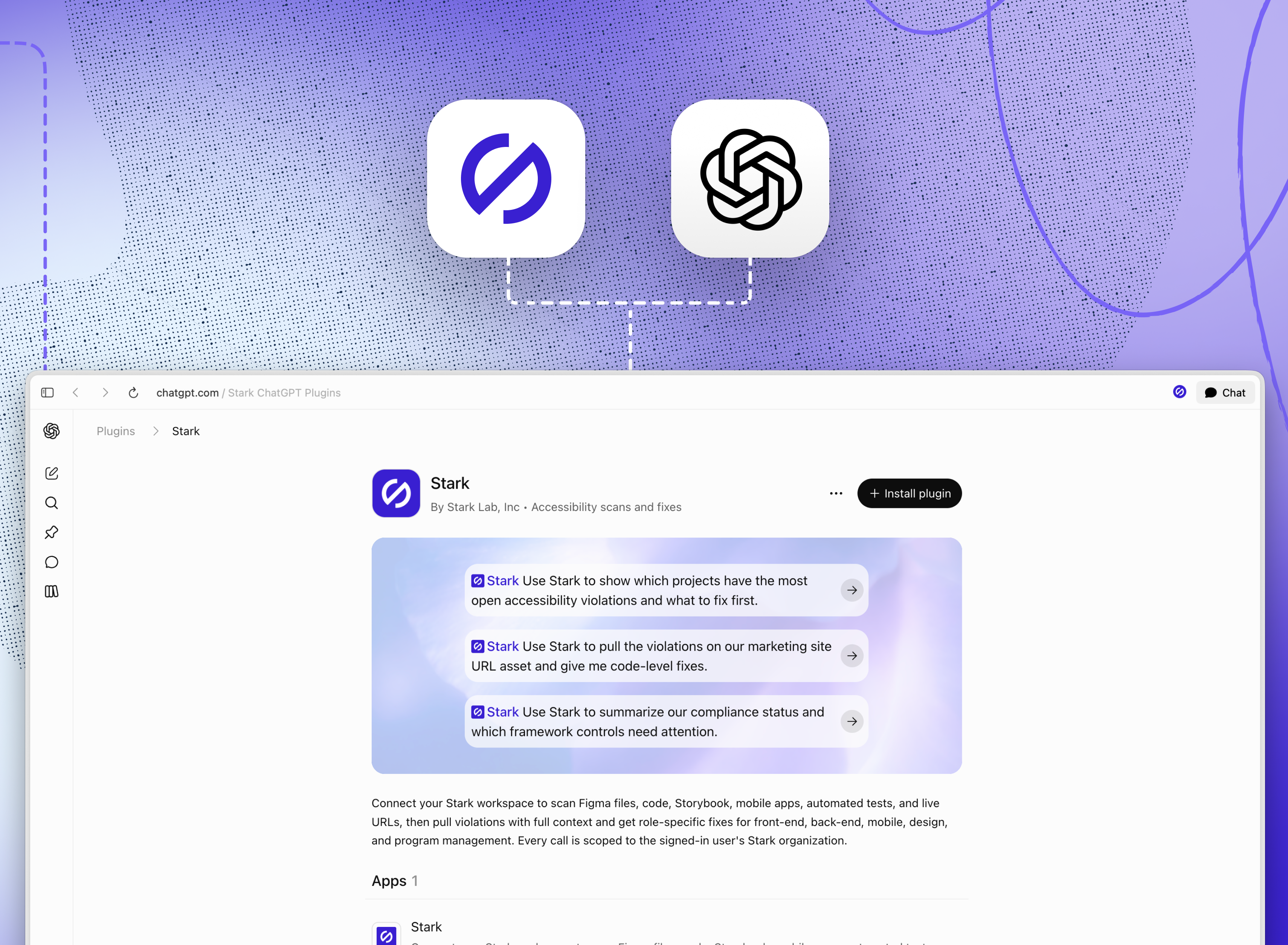
With more creative and product work happening in AI tools, we made the decision in August to bring Stark into Claude’s connector directory, and today Stark is now available as a plugin (including skills) in OpenAI’s Codex directory.
Software built in generative AI tools moves fast, so product needs accessibility fixes and compliance needs logic you can audit. Stark’s rule engine supplies that across design, code and the live product, and the plugin puts it in the same conversation where your team is already building with Codex.
What the Stark plugin does inside Codex
After installing, the plugin connects Codex to your Stark workspace with read and write access, and every call is scoped to the signed-in user’s Stark organization. Once it’s installed, you can ask Codex to:
-
Scan across your product. Create an asset from a Figma file, source code, a Storybook library, a mobile app, your automated tests or live URLs, and run it through Stark.
-
Pull violations and fix them. Get every issue Stark found on an asset with the full context behind it, plus code-level fixes for what’s failing.
-
Prioritize the work. See which projects carry the most open violations and determine, with information from Stark, what to tackle first.
-
Check compliance status. Summarize where a project or team stands and which framework controls need attention.
Fixes written for the role asking
The plugin ships with five Stark skills, so Codex answers in the terms each role works in:
-
Design for Figma and Sketch work, in design terms like contrast ratios, tokens and spacing
-
Front-end for the UI layer of web apps, covering components, markup, ARIA, focus order and keyboard behavior in the frameworks your team uses
-
Back-end for server-side accessibility work
-
Mobile for native iOS and Android, using each platform’s own accessibility APIs
-
Program management for tracking and reporting on an accessibility program
When a designer and an engineer look at the same flagged button, the designer gets the contrast ratio and token to swap, and the engineer gets the code change, each ready to act on.
Bringing accessibility to wherever your team builds
With Stark in your LLM, accessibility follows your team into whichever assistant they use. Builders get a live read on the accessibility of what they’re making, and accessibility gets a say early, before issues harden into debt. We’ll keep extending Stark to the places the product gets built.
💬 Stark is now available as a Codex plugin (including skills). Add it now →. Let us know what you'd like added after you give it a spin.
If you'd like to understand how it all works, book a call or kick off a free two-week trial (no credit card required!) straight away.
Feel free to share your thoughts and feedback at support@getstark.co, or join the conversations in our Stark Slack Community, on LinkedIn, and on Twitter.